Home
Documentation
Introducing Mewbo
Mewbo is an open stack for handing agents to your engineers and operators, inside the permissions you set. It plugs into the tools and systems you already run. Automation, wiki, search and apps stand on one harness, whichever model you bring.
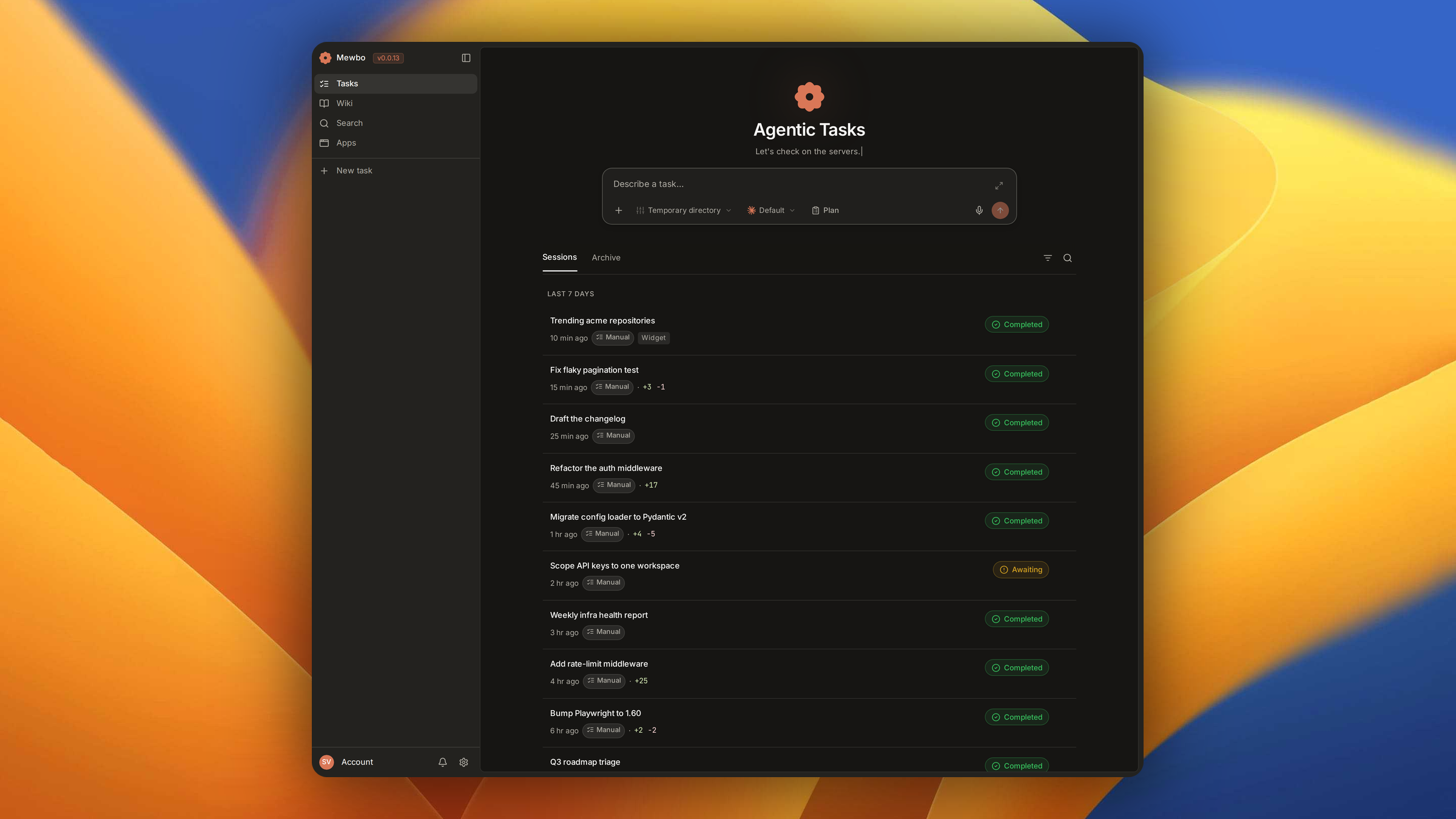
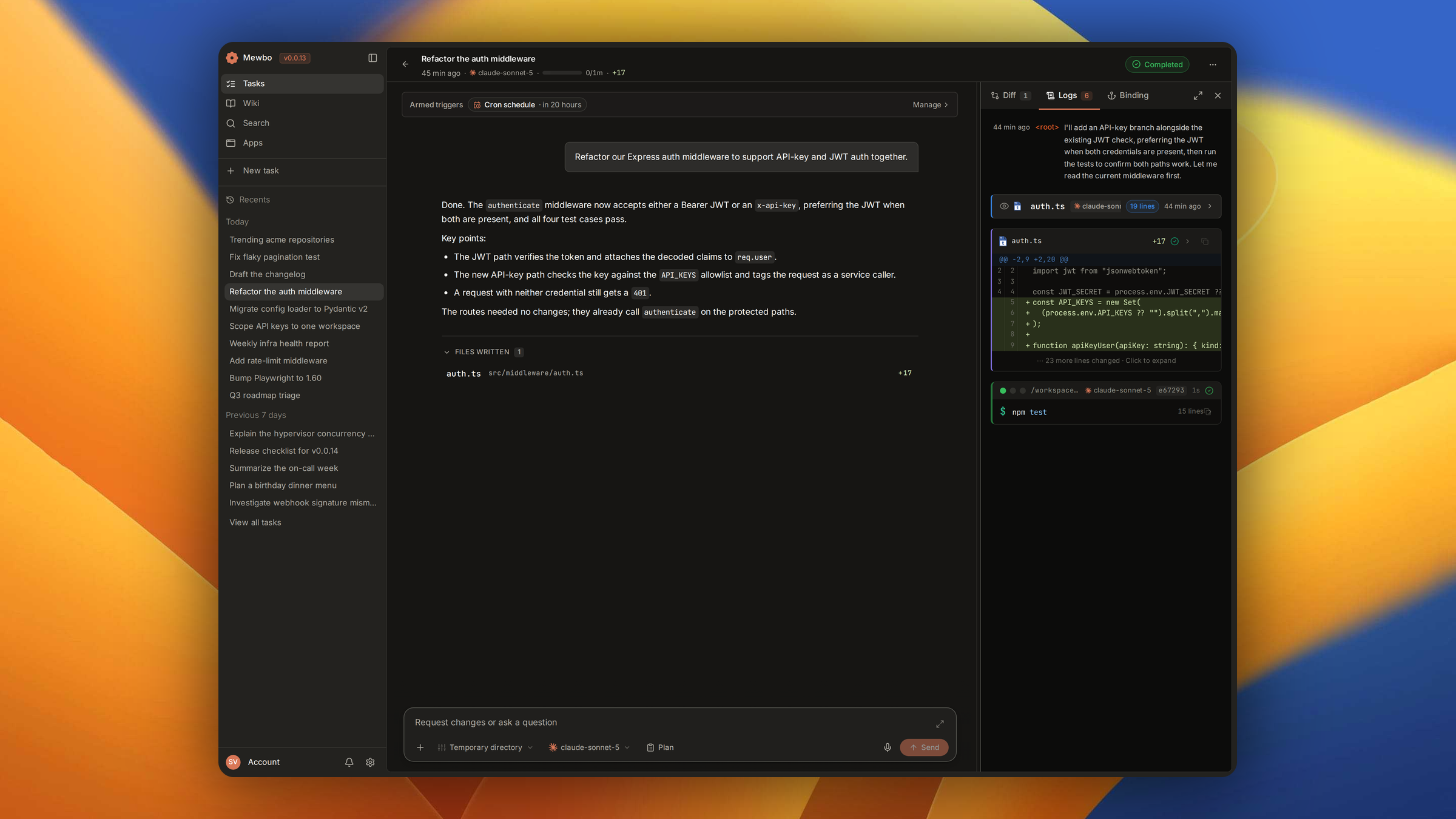
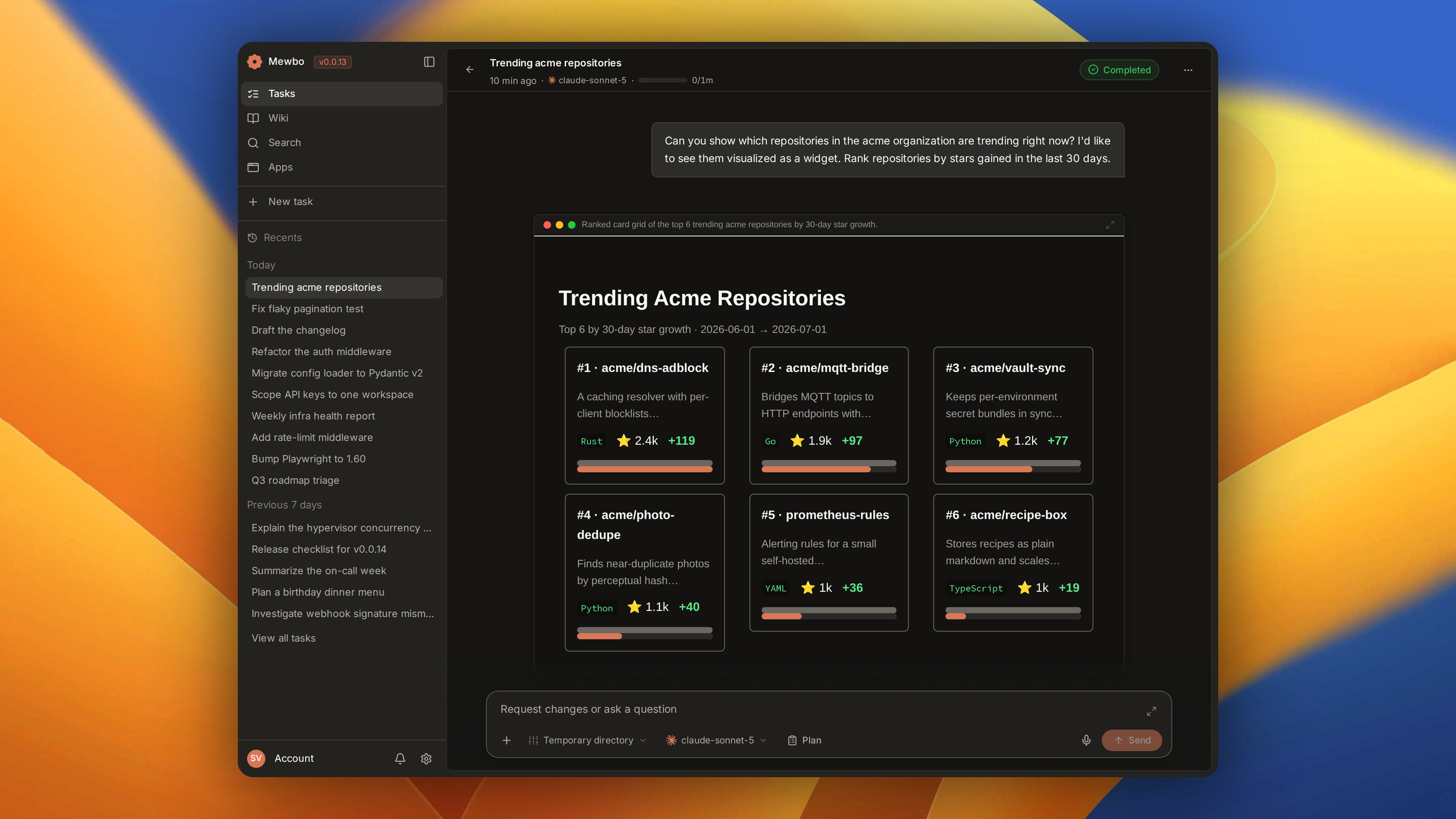
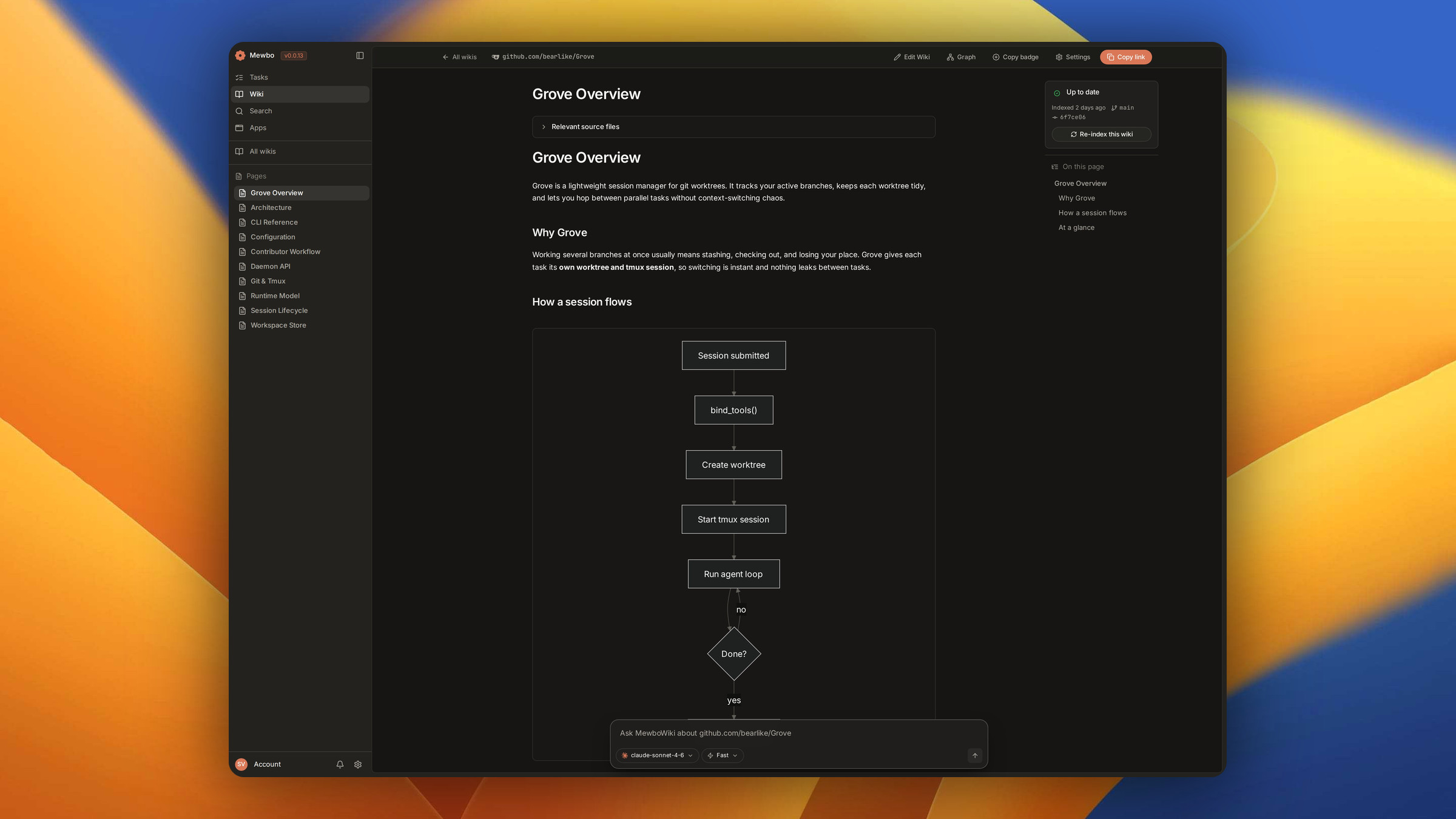
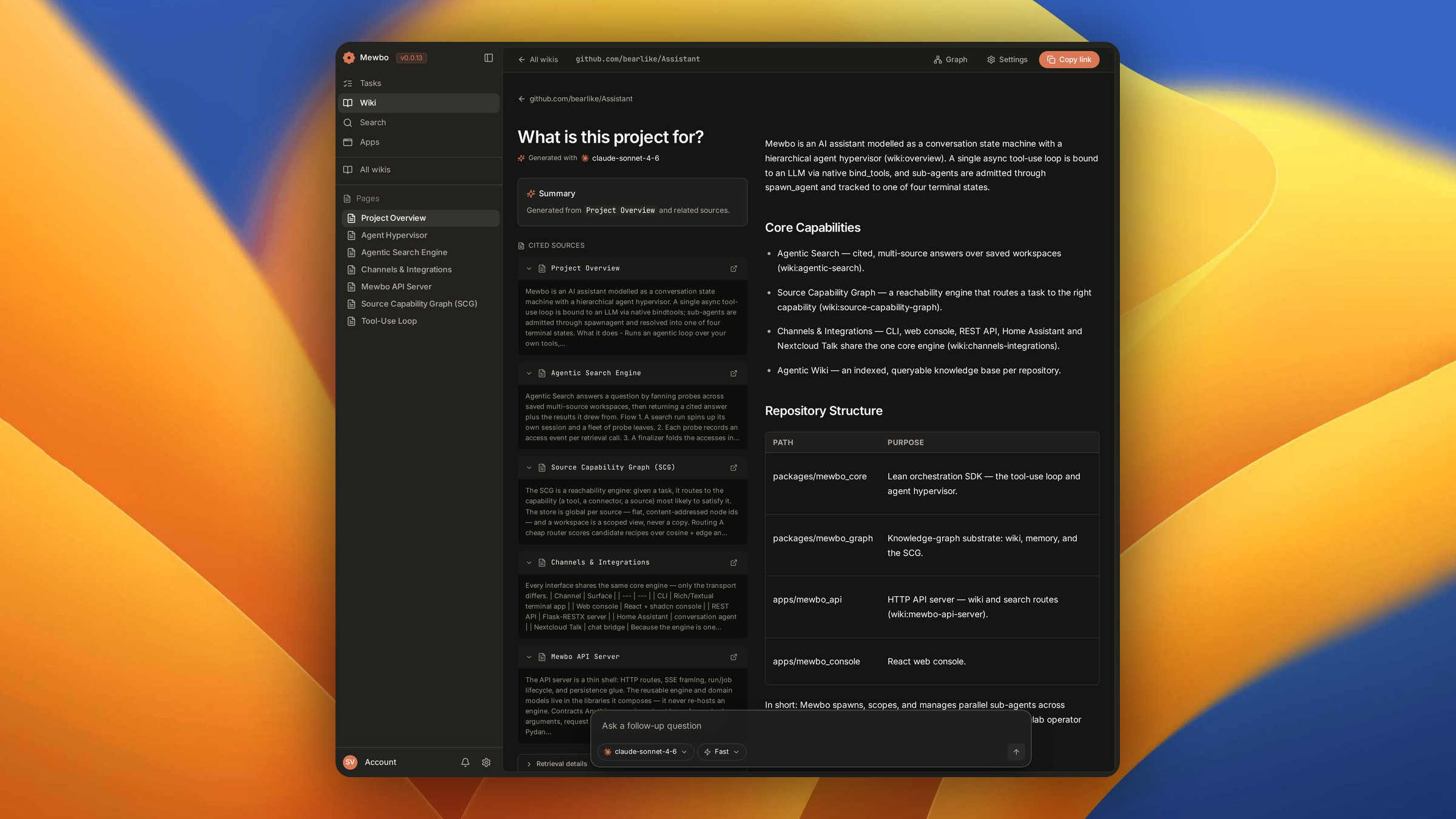
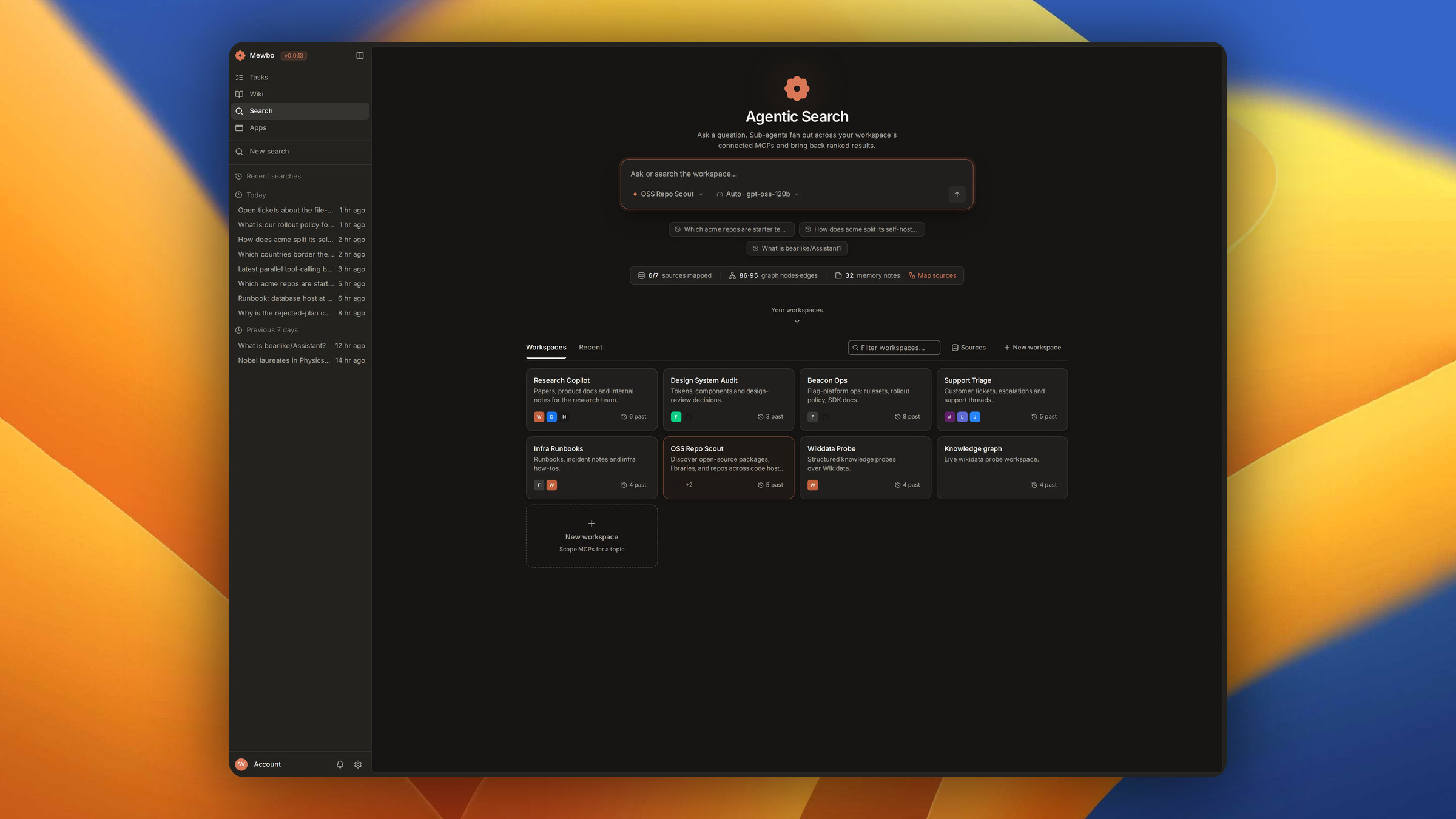
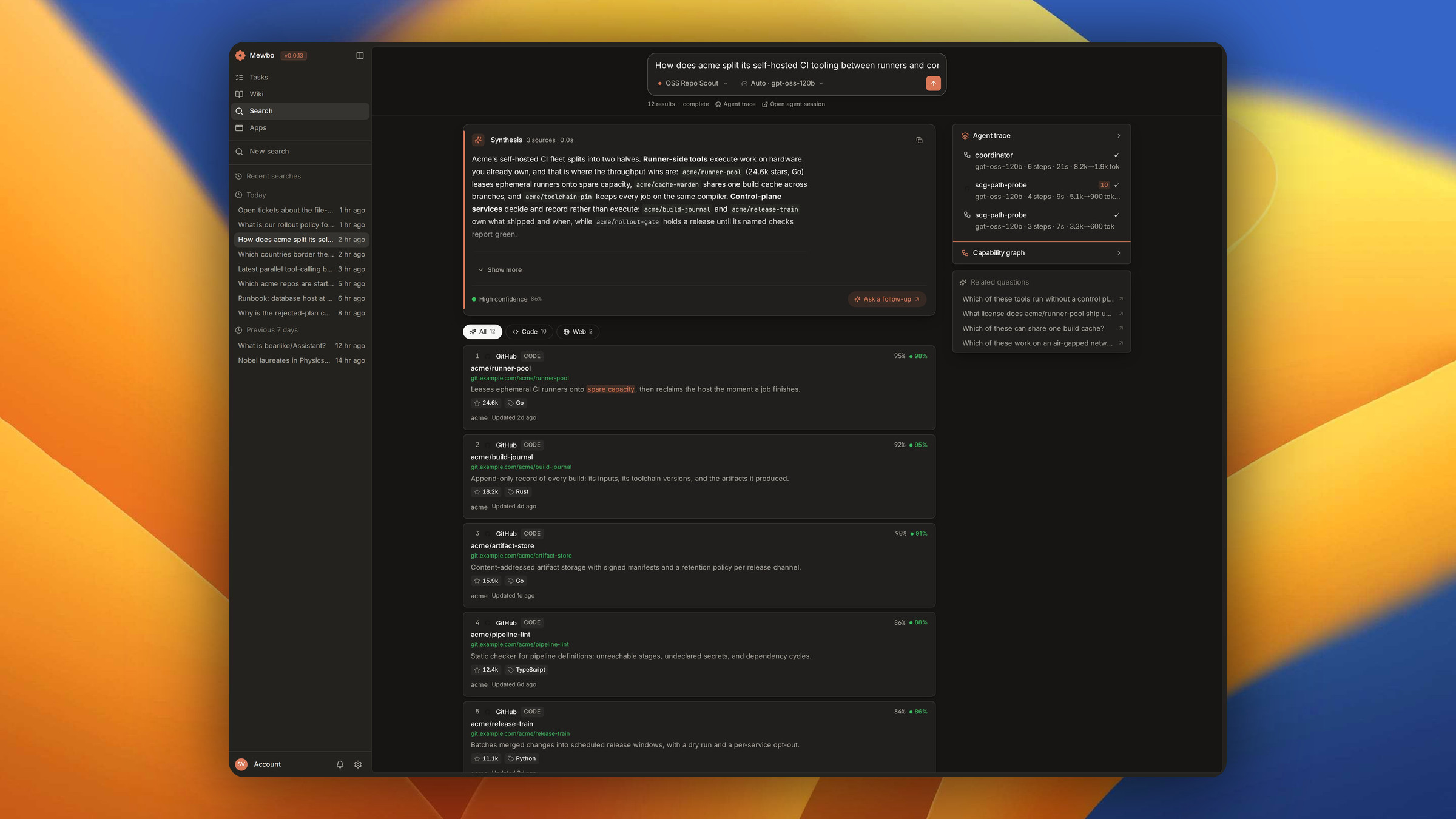
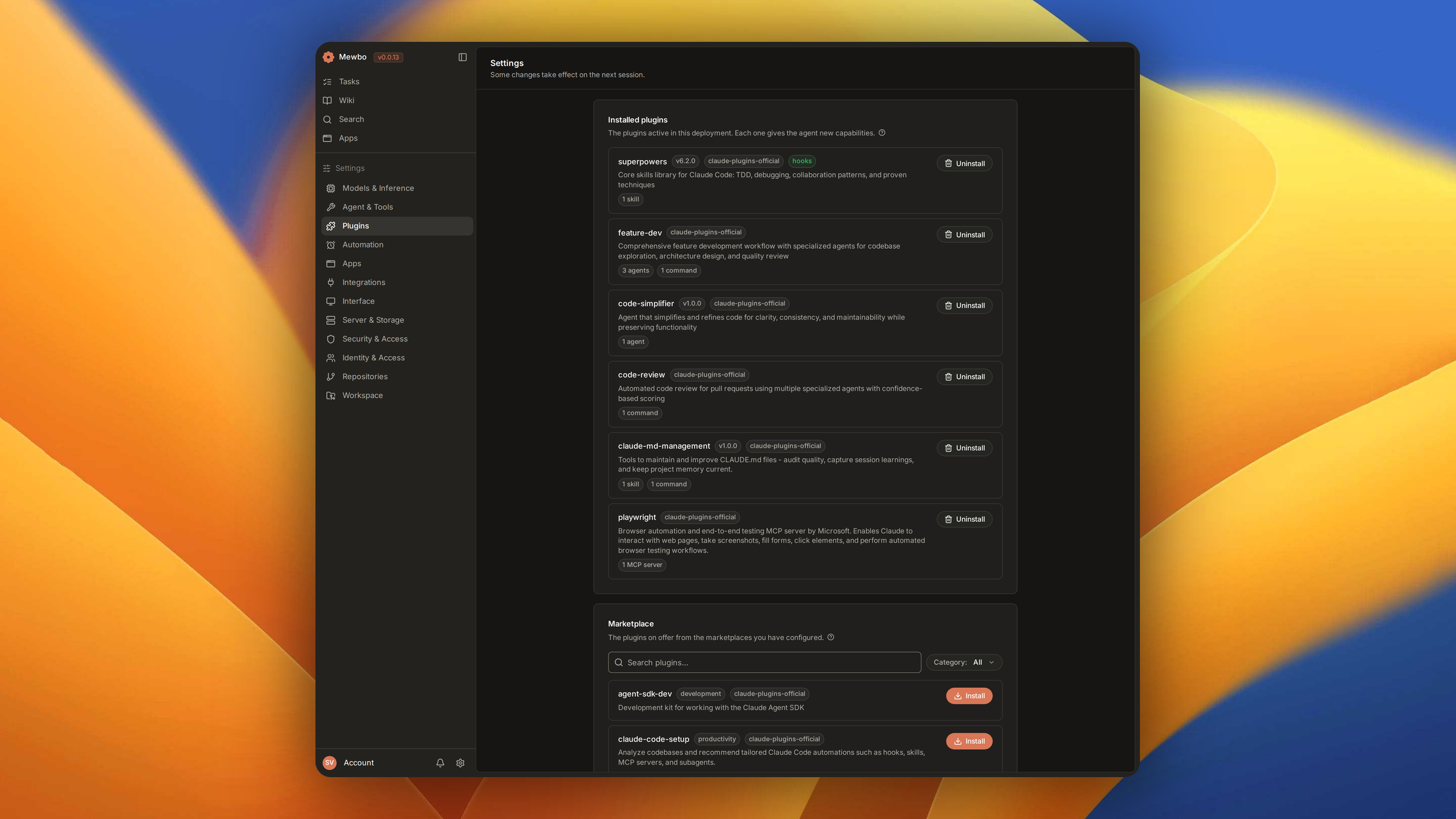
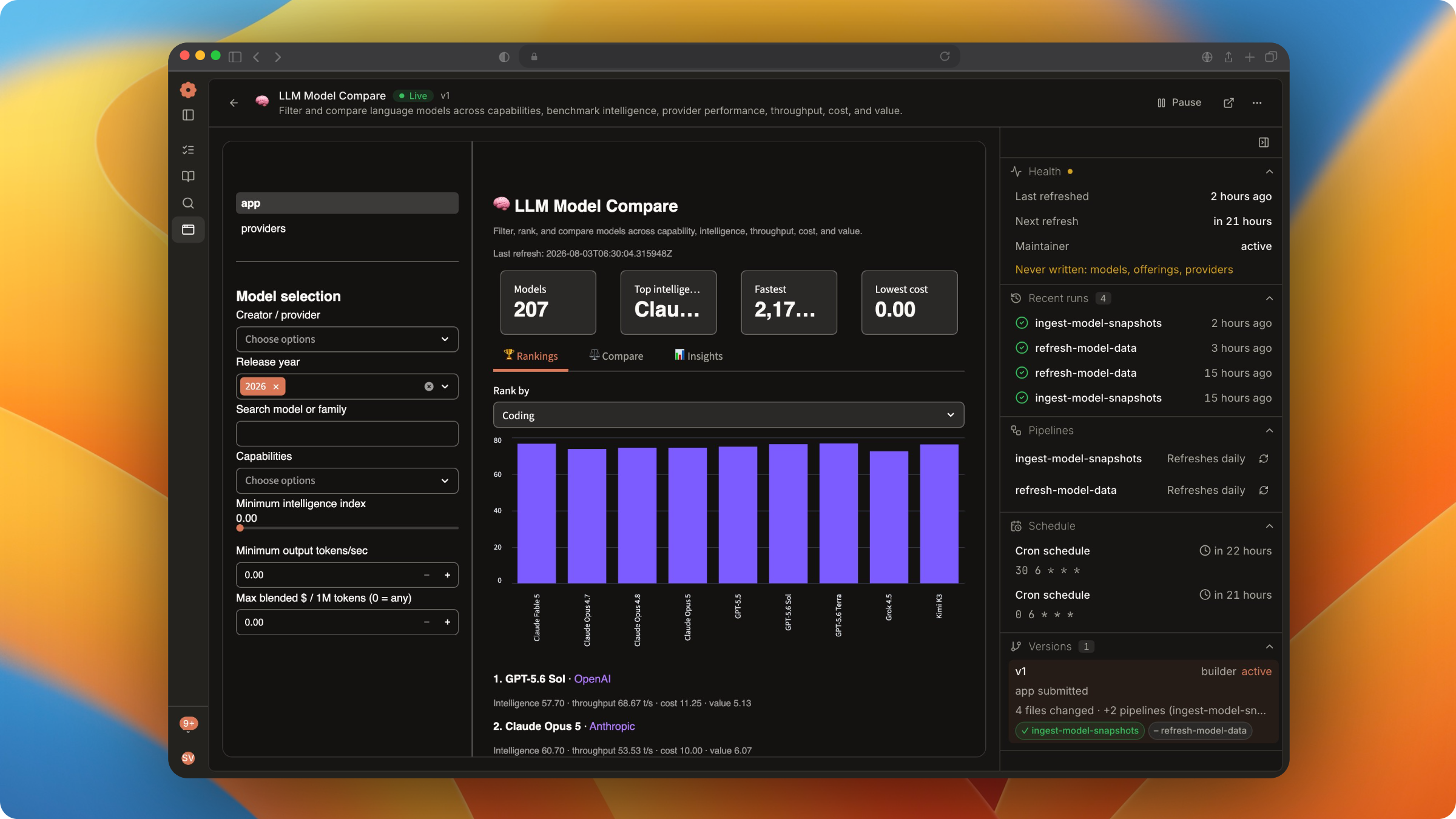
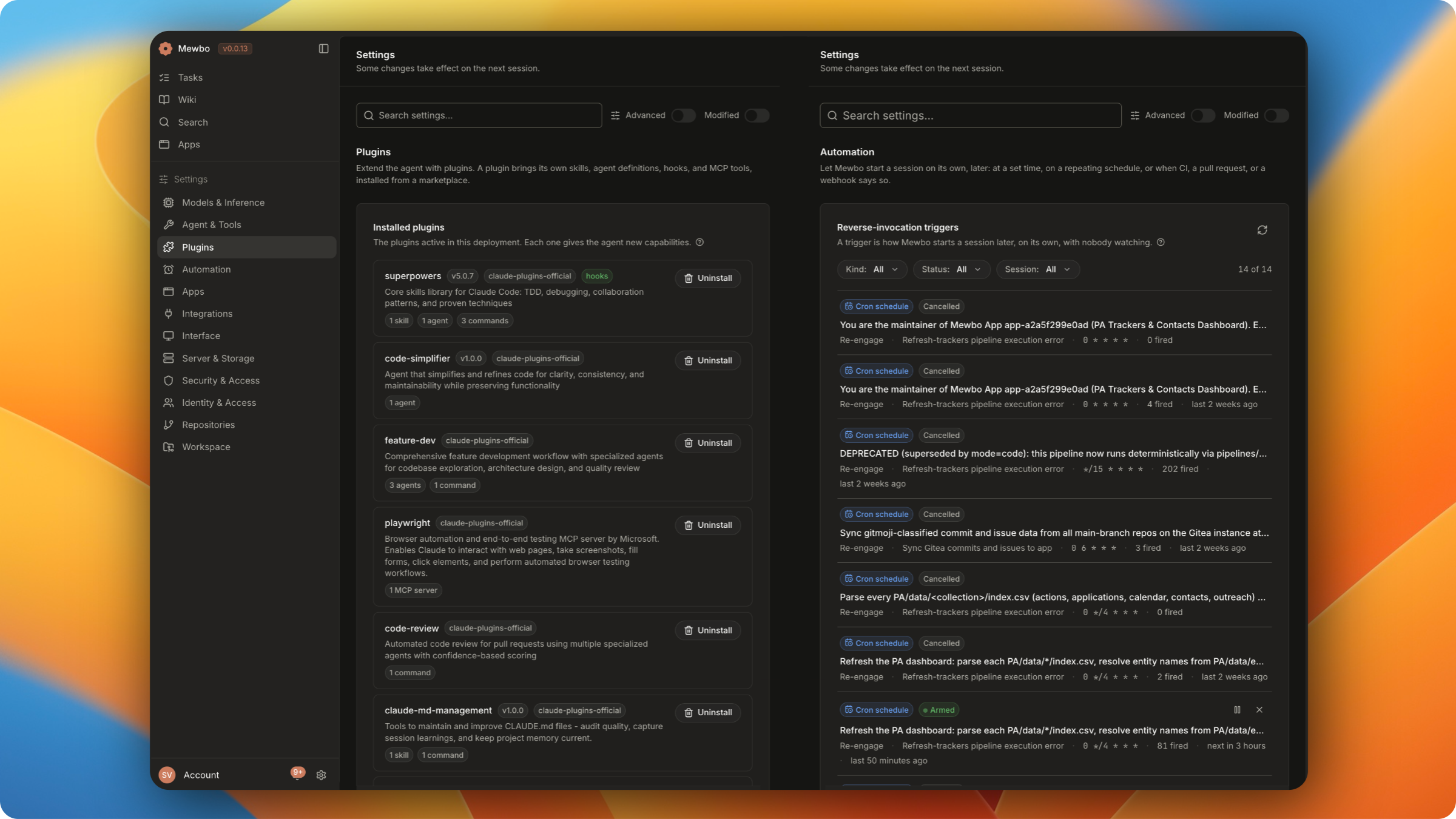
Choose your surface
A coding agent serves one person. Mewbo deploys once and serves every role, on the surface each person already works in.
How it works
Every product on this page runs the same three steps underneath.
You describe an outcome
Ask in plain English on whichever surface is closest. Calls run as the model generates them, and anything the permission policy does not match comes back to you as a prompt. Switch to plan mode for unfamiliar or destructive work and the run stops at a drafted plan instead. Reject it with feedback and a revised plan comes back.
Mewbo delegates in parallel
The root agent spawns a sub-agent for every piece that can run at once. A test run, a search, a refactor and an MCP call all execute in parallel. A stalled child is caught by the hypervisor, which injects a correction between tool steps. A budget that runs out buys a turn to wrap up rather than a bare halt.
You get a synthesised answer, not a pile of logs
Each sub-agent returns a structured result with its status, summary, warnings, files touched and checks against the acceptance criteria. The root synthesises those into one answer, backed by a transcript of every tool call, permission prompt and compaction. Fork any message to replay that branch on a different model.
Go deeper
Architecture Overview covers the tool use loop, the hypervisor and the concurrency lifecycle.
Highlights
Already using Claude Code or Codex?
Point Mewbo at a project and it loads the MCP servers, skills, plugins and instruction files you already have.
servers and the Claude Code / VS Code mcpServers schemas are accepted at project and user scope.
SKILL.md files in ~/.claude/skills/ or .claude/skills/ activate exactly as authored, with the Agent Skills standard.
CLAUDE.md, AGENTS.md, and .claude/rules/*.md all load hierarchically on session start.
session_tools array in plugin.json contributes stateful tools that live for one agent.
See also
Project Setup and Plugins & Marketplace walk through the complete compatibility matrix.
What you can do
- Built-in tools: read, edit, shell, list
- Widgets: interactive UI inline in chat
- External MCP tools: servers Mewbo calls
- Web IDE: per-session code-server
- Code intelligence (LSP)
- Agentic Wiki: source-grounded repo docs
- Knowledge graph of the codebase
- Agentic Search across connected MCPs
- Agentic Apps: a data layer and interface over any of it
- Plugins and marketplace
- Sub-agents and the hypervisor
- Skills (Agent Skills standard)
- Compaction: long runs that keep going
- Identity, roles and teams
- Plan mode: review before execution
- Permissions and hooks
- Sandboxed execution: a kernel confined shell
- Policies: semantic gate-checks on tool calls
- Monitors: session-wide behavioural guardrails
- Architecture overview
- Session runtime
- Token usage and budgets
- Mewbo as an MCP server: agents that call in
- Full API reference
From install to production
Install
Configure