Mention the bot in chat
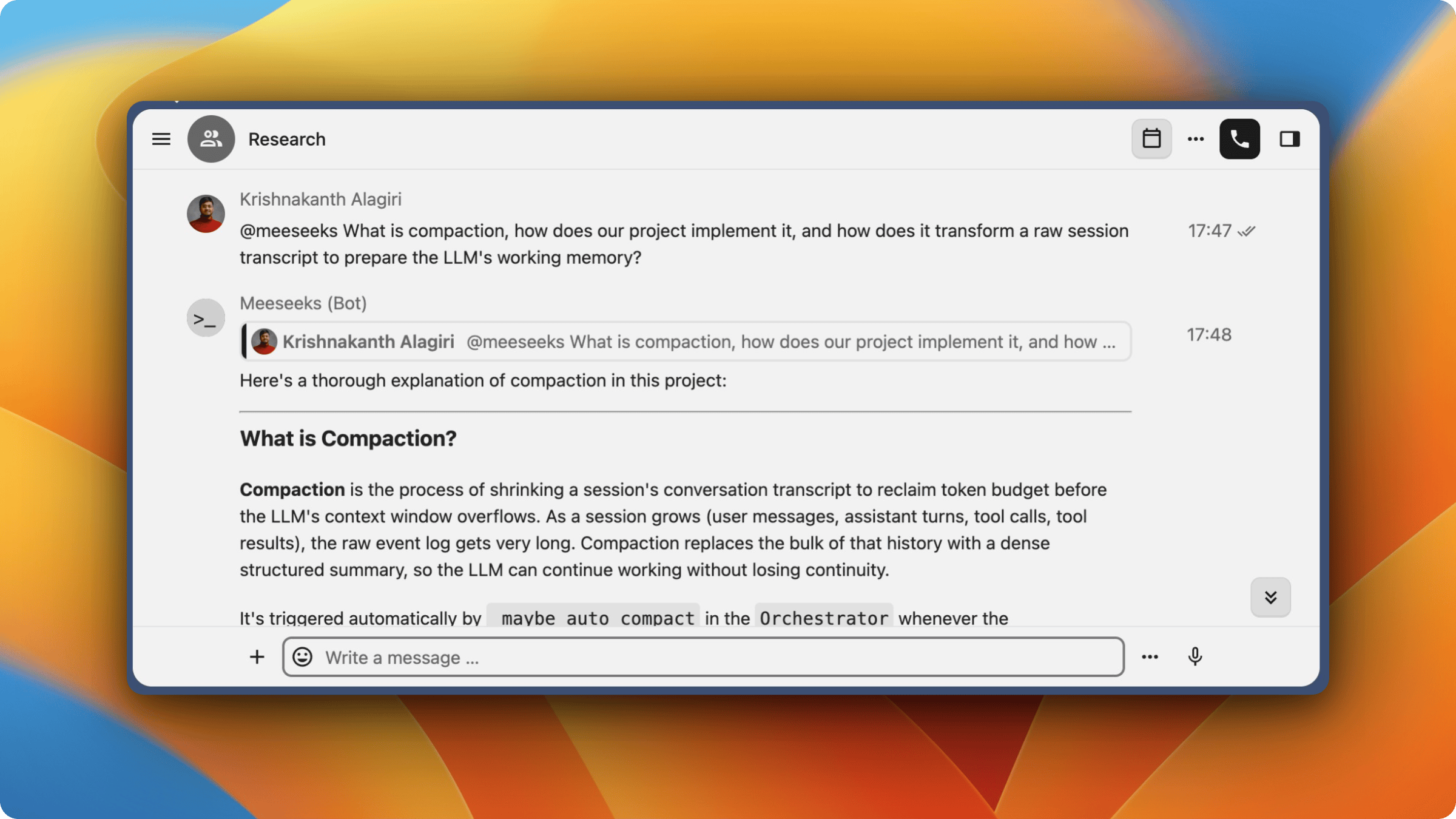
Mention the bot in any Nextcloud Talk conversation and it replies. The work runs as a standard Mewbo session, so your team reaches the agent from the chat client they already have open.
How it works
- A Nextcloud Talk bot is registered on the server pointing to the Mewbo API webhook endpoint.
- An @mention makes Nextcloud POST an ActivityStreams 2.0 webhook to
POST /api/webhooks/nextcloud-talk. - The adapter verifies the HMAC-SHA256 signature, parses the message, and creates or continues a session.
- Messages without a mention are silently ignored.
- On completion the final answer goes back through the Nextcloud OCS Bot API with
replyTo, which renders as a quote link.
Session model
- A conversation is scoped to the room by default. All @mentions in the same room share one persistent session, tagged
nextcloud-talk:room:<room_token>. - A message carrying a
threadId, an explicit Nextcloud Talk thread, gets its own session instead, taggednextcloud-talk:thread:<room_token>:<thread_id>. - These are ordinary channel sessions, so forking, archiving and export all work.
Slash commands
Commands go after the @mention keyword and run without invoking the LLM.
| Command | Description |
|---|---|
/help |
Show available commands and usage |
/usage |
Show session token usage, context window utilization, and compaction status |
/new |
Start a fresh conversation (clears current session context) |
/switch-project <name> |
Switch the active project context for this session |
Examples.
@Mewbo /help
@Mewbo /usage
@Mewbo /new
@Mewbo /switch-project personal-assistant
/switch-project sets the working directory for later runs. An invalid or omitted name lists the available projects instead.
Prerequisites
- Nextcloud 27.1 or later with Talk 17.1 or later, for
bots-v1capability support. - Nextcloud 32 or later with Talk 22 or later, for thread support through
threadId. - The Mewbo API server running and reachable from the Nextcloud instance
Setup
1. Register the bot in Nextcloud
Run this on the Nextcloud server, which needs admin shell access.
occ talk:bot:install "Mewbo" \
  "<shared-secret-at-least-40-chars>" \
  "https://<mewbo-api-host>/api/webhooks/nextcloud-talk" \
  --feature webhook --feature response \
  "AI assistant with a conversation state machine and agent hypervisor"
Note the shared secret. It must match the bot_secret in the Mewbo config.
2. Enable the bot in conversations
occ talk:bot:setup <bot-id> <conversation-token>
The Nextcloud Talk web UI does the same from conversation settings, under Bots, for anyone holding the moderator role.
3. Configure Mewbo
Add the channel config to configs/app.json under channels.
{
  "channels": {
    "nextcloud-talk": {
      "enabled": true,
      "bot_secret": "<shared-secret-from-step-1>",
      "nextcloud_url": "https://cloud.example.com",
      "allowed_backends": ["https://cloud.example.com"],
      "trigger_keyword": "@Mewbo",
      "nextcloud_host_header": ""
    }
  }
}
| Field | Description |
|---|---|
bot_secret |
Shared HMAC secret from occ talk:bot:install |
nextcloud_url |
Base URL of the instance. Use the internal URL if it sits behind a CDN. |
allowed_backends |
Origin allowlist for the X-Nextcloud-Talk-Backend header. Recommended. |
trigger_keyword |
Literal keyword that triggers the bot. Default @Mewbo. |
nextcloud_host_header |
Optional Host header override for outbound requests, for when nextcloud_url is an internal address. |
4. Restart the API server
uv run mewbo-api
# or: docker compose restart api
The startup logs confirm the adapter loaded.
Nextcloud Talk channel adapter registered
Channel webhook routes registered (platforms: ['nextcloud-talk'])
Usage
Mention the bot in any conversation where it is enabled.
@Mewbo help me refactor the auth module
Later @mentions in the same room continue the conversation with full context. Use /new to reset.
Limitations
- File attachments arrive as metadata only. Downloading content needs Nextcloud user auth rather than bot auth, and the Bot API cannot send files at all.
- Direct messages need an @mention like any other room. A DM is not detected automatically.
- Emoji reactions for status are not supported.
How it works internally