Mewbo inside Home Assistant
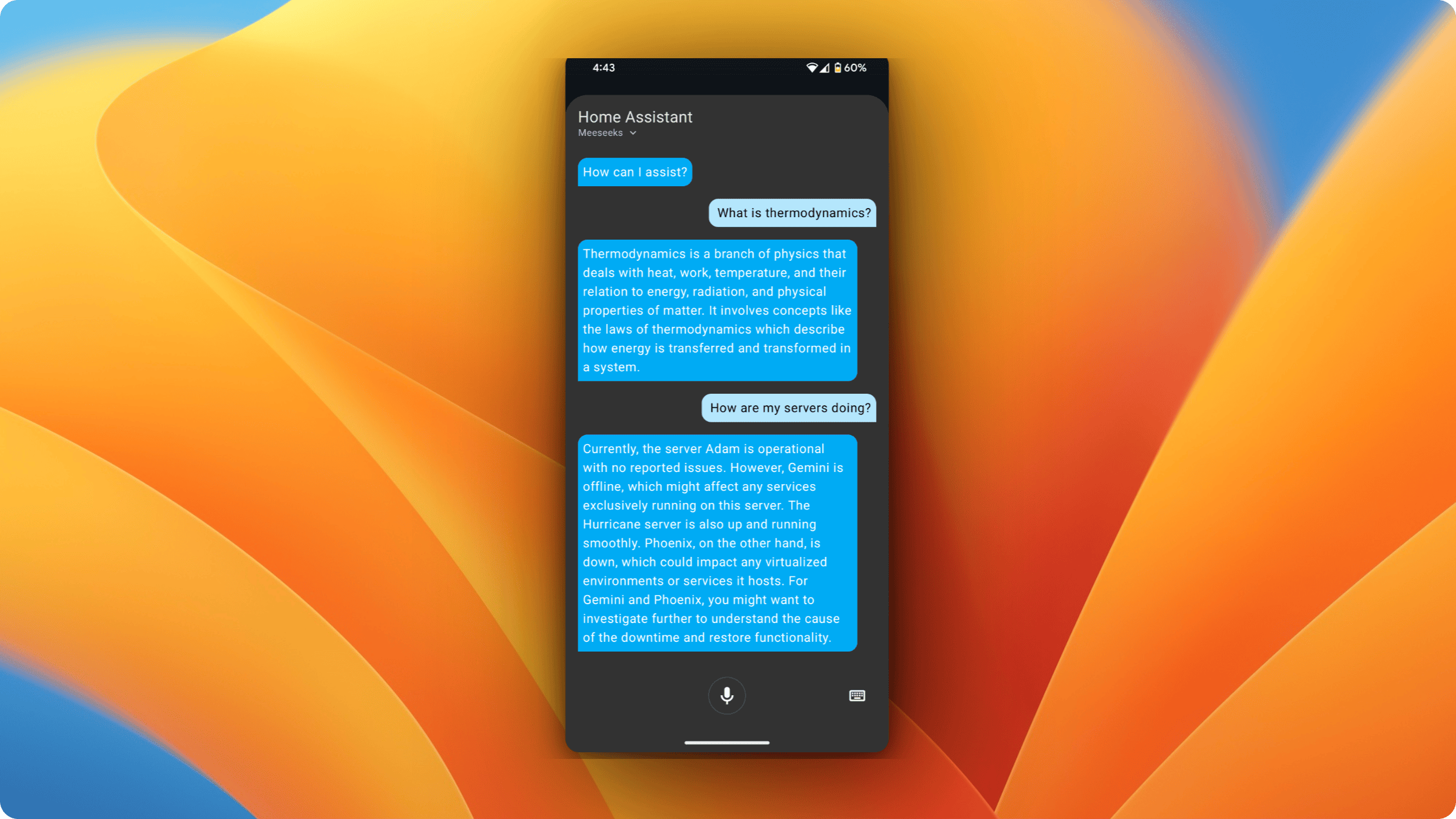
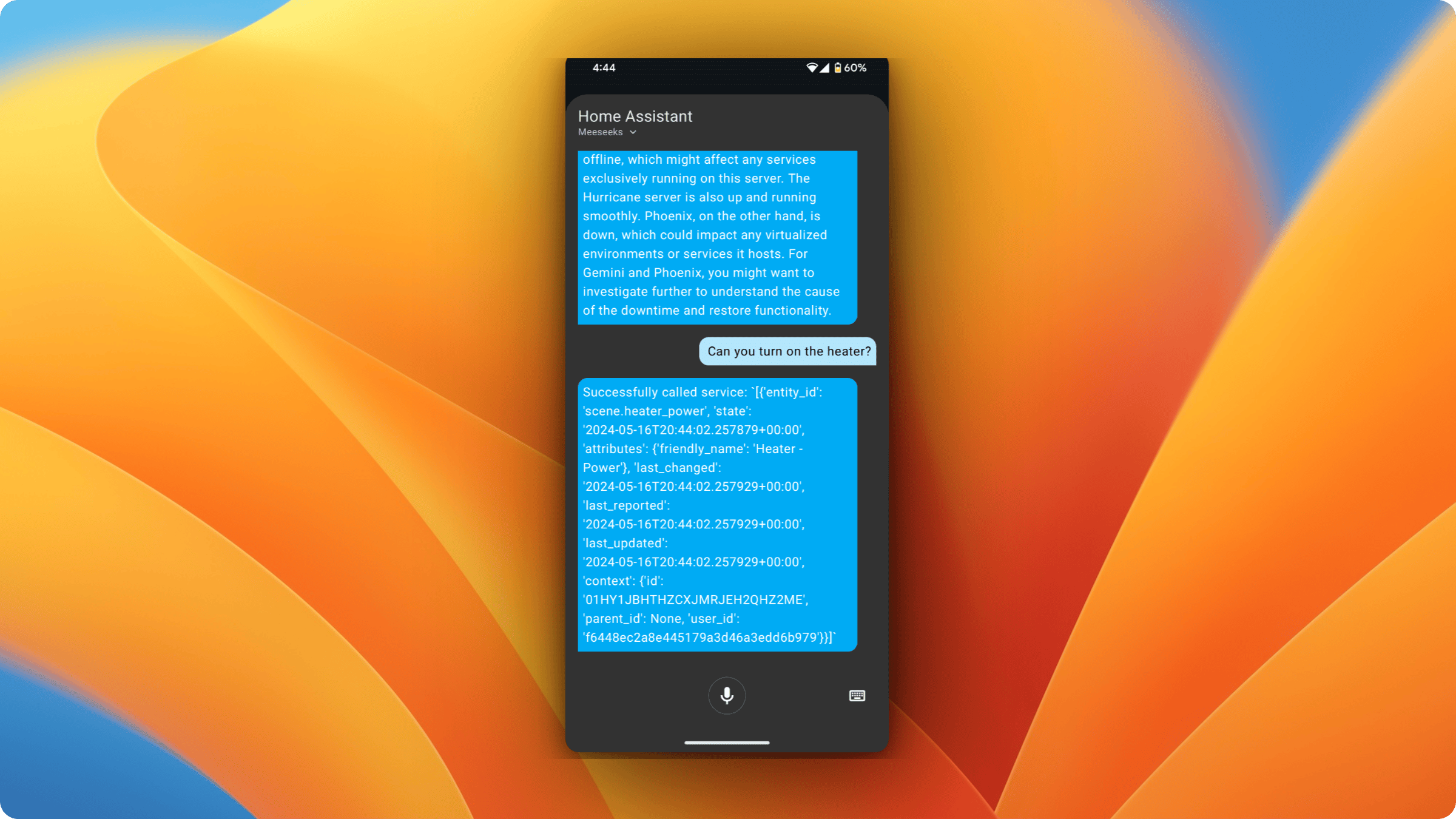
Speak to Mewbo through the Home Assistant Assist pipeline. The custom component in apps/mewbo_ha_conversation/ forwards the captured transcript to the API and speaks the reply back through text to speech.
See Get Started to run the API that this integration talks to.
How it works
Each turn is one synchronous call to POST/api/query. Nothing streams.
sequenceDiagram
    participant User
    participant HA as Home Assistant
    participant API as Mewbo API

    User->>HA: voice utterance (wake word + query)
    HA->>API: POST /api/query { query, session_id? }
    API-->>HA: JSON { response, context, session_id }
    HA-->>User: TTS response
The component holds the Mewbo session across turns in memory rather than in a server-side tag. It keys a history map on the Home Assistant conversation id and stores the session_id and context from the last response against it. Restarting Home Assistant therefore starts a fresh conversation.
Install the custom component
- Get the Mewbo API running and reachable. See the API overview.
- Copy the contents of apps/mewbo_ha_conversation/ into Home Assistant under
custom_components/mewbo_conversation/. - In Home Assistant, add the Mewbo conversation integration and set these fields.
- Base URL points at the API, for example
http://host:5125. The Docker stack publishes port 5125. A localuv run mewbo-apidev server listens on 5124. - API key goes out as the
X-API-KEYheader on every request. It must be eitherapi.master_tokenor a key minted via POST/api/keys. With no stored key the entry falls back to a default token and logs a warning. Add the integration again to fix it. - Timeout sets how long to wait for a reply, in seconds.
Optional: enable the Home Assistant tool
This is separate from the conversation integration above. It lets Mewbo control Home Assistant entities from any client.
- Install the extra with
uv sync --extra ha. - Set
home_assistant.enabledtotruein configs/app.json. - Provide the Home Assistant URL and token under
home_assistant.*.